If you're looking for an eBook with the best value for money , then here we'll show you some recommended models, as well as everything you need to know to choose a good eReader that meets your expectations, covers all your needs, and won't disappoint you in any way, neither in functionality nor reliability.
What are the eReaders with the best value for money?


Among the best-selling eBook Readers are:
Kindle Paperwhite Essential

The Kindle Paperwhite Essential is an eReader with a good value for money. It has 8-16 GB of internal memory, 6.8-inch e-Ink screen with 300 dpi, front light adjustable in brightness and warmth, with autonomy that can last up to 10 weeks, with USB-C charger, and with protection against IPX8 water.
Kobo Libra 2

Another great model is the Kobo Libra 2. A 7-inch eReader with e-Ink Carta touch screen, anti-glare treatment, adjustable front light in warmth and brightness, ability to play ebooks and audiobooks, water resistant and with an internal memory of 32 GB, which allows you to store about 24000 titles.
eReader brands to watch out for
When choosing a good eReader with the best quality/price ratio, you also have to take into account the most prominent brands to have a greater chance of success:
Kindle
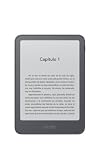
Kindle is Amazon's eReader model. It's one of the best-selling and most reputable . Besides being a technologically advanced device, it's also important to highlight that you'll have access to the extensive Kindle library with every title you can imagine, as well as Audible for models that support audiobooks.
This device allows you to buy, download, save, and read all kinds of books, magazines, comics, and digital newspapers . This eReader also has some additional advantages, such as the ability to store all your titles in your Kindle cloud library, which will prevent you from losing your purchased titles if your device breaks down. Furthermore, you can also enjoy the Kindle Unlimited subscription service to read any title without limits.
Kobo

Kobo is the eReader brand acquired by Rakuten. This Canadian company aims to be a major rival and alternative to Kindle . It offers models with similar features, a wealth of functions, and the latest technology, plus the Kobo Store, where you can find countless titles for all tastes and ages.
On the other hand, this company's devices are also known for their high quality and competitive prices. And we mustn't forget the wide range of formats they support and the customization options they offer.
PocketBook


PocketBook is also among the best-known and most sought-after eReaders. It boasts a fantastic price-to-performance ratio , supports a wide range of formats, and offers access to libraries protected by OPDS and Adobe DRM. It features a very user-friendly system and an unparalleled wealth of features.
For example, you can read, write comments, and take notes with your finger, bookmark pages, easily export and import notes, read from the PocketBook Cloud, customize settings (font, font size, background colors, margins, etc.), and even listen to audiobooks in MP3 and M4B formats, as well as use a Text-to-Speech function. It also includes built-in dictionaries in several languages.
Onyx boox


Another well-known brand in this sector is Onyx Boox. These devices are developed and produced by Onyx International Inc., of China. They offer good value for money, cutting-edge technology, and very competitive prices.
Under this brand, you'll find several models. Boox started using Linux as its operating system, although it currently uses Android in its latest models. Furthermore, what's great about this brand, unlike others, is that you can find models with very large screens , such as the 13-inch ones. In fact, these devices are a perfect hybrid between a tablet and an eReader, using eInk on their displays.
Denver

Denver is a lesser-known brand of eReaders, but you can find them on Amazon, Fnac, PCComponentes, AliExpress, etc., at very low prices. Therefore, if you're looking for something good without spending too much, Denver models can provide you with an e-reader for under €100.
These are very basic models , so don't expect anything too fancy. For example, don't expect advanced technologies, feature-rich functions, or wireless connectivity like in other models. But the truth is, they do their job well.
MeeBook


At retailers like Amazon or eBay, you can also find another brand offering good value for money : the MeeBook eReader. One of the most striking features of these eReaders is their attractive and compact design. They also boast Wi-Fi connectivity, broad format support, an Android operating system, and powerful hardware for a smooth user experience.
The image quality of these eReaders is also a point in their favor, as the new models also have a pixel density of 300 dpi.
SPC

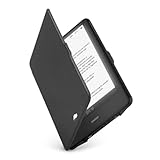
SPC is another technology brand that manufactures a variety of gadgets, including eReaders. It's a company specializing in the development of smart products for homes and businesses, with over 30 years of experience in the electronics sector.
Their e-readers offer good value for money , and are perfect if you're looking for something with good technology without spending too much. However, you won't find as much variety in models as with other brands.
tagus
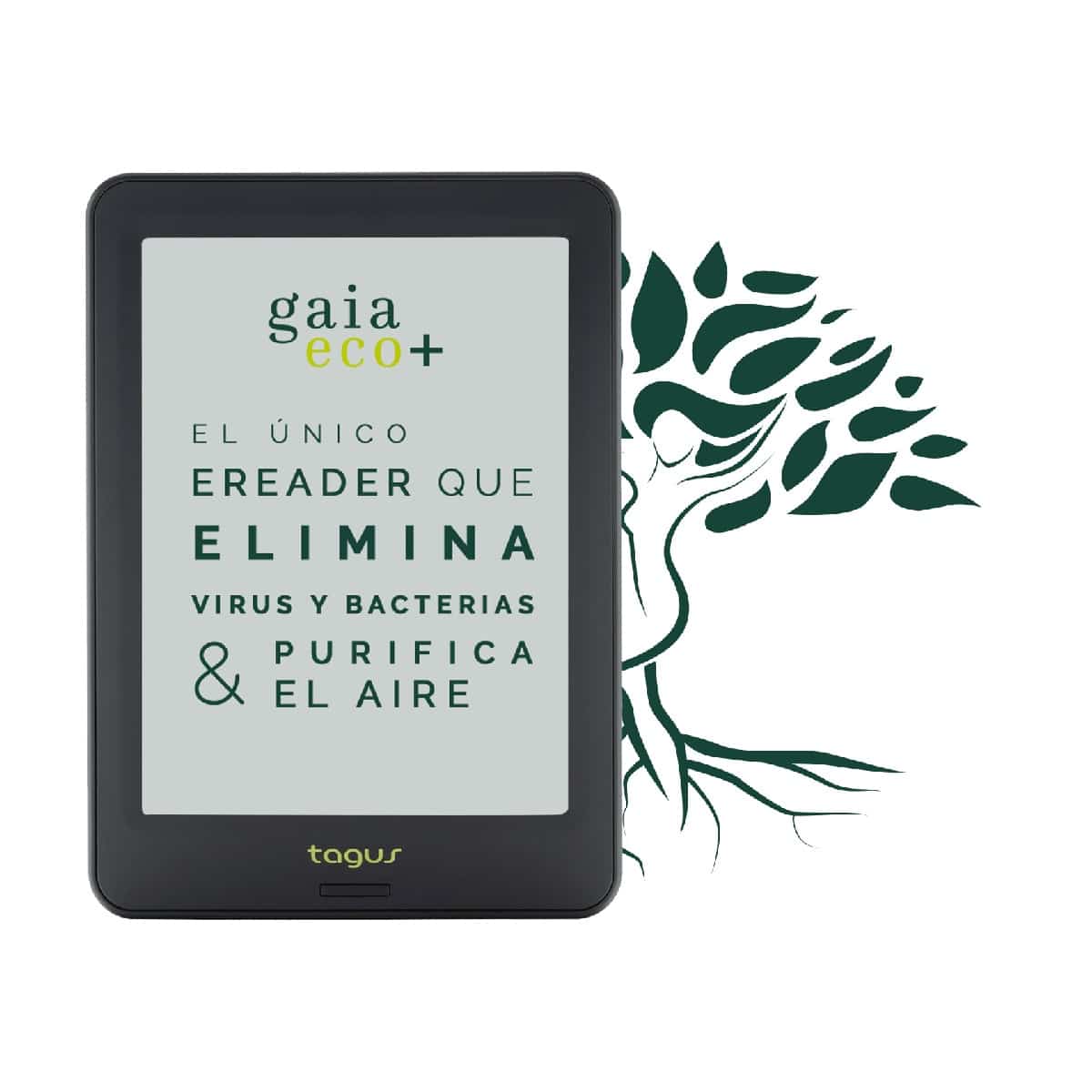
Casa del Libro has also fully entered the ebook business through its online store, in addition to offering its own eReader device called Tagus . As you know, with it you can buy and access a wide variety of books from all categories of this famous bookstore.
* Note: Casa del Libro's eReader is now called Vivlo, and you can get it at a good price here.
The Tagus is another excellent model thanks to its technical specifications and the near-paper-like reading experience it offers. However, while they used to offer a wide variety of models, this has diminished, so your choices will be somewhat more limited.
Nook
The renowned American retailer Barnes & Noble has also launched its own eReader model: the Nook. These devices enjoy a good reputation due to their quality. The company began selling books, eBooks, toys, magazines, video games, music, movies, and more through its online store and website.
This eReader is based on the Android platform , is feature-rich, and boasts good quality and technology. Furthermore, you have access to Barnes & Noble's own eBook store, thus competing with Amazon's Kindle. However, it's worth noting that these products can be somewhat expensive in some cases.
Xiaomi
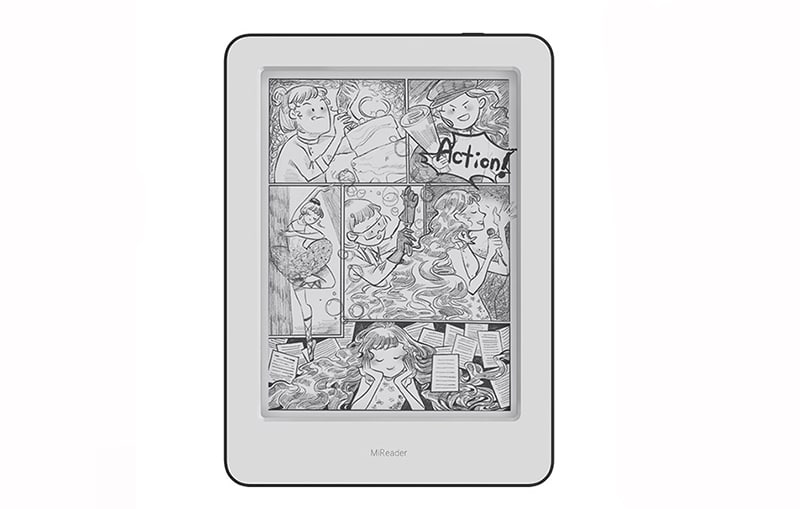
The tech giant Xiaomi has expanded its reach beyond mobile devices, developing and producing all kinds of products, from computers and mobile devices to home appliances, and of course, it also has its own eReader models.
This company is known for its high quality, advanced technology, design, and low prices. And this same quality characterizes its eReaders. However, it's worth noting that the models released by the brand are currently designed specifically for the Chinese market .
bq
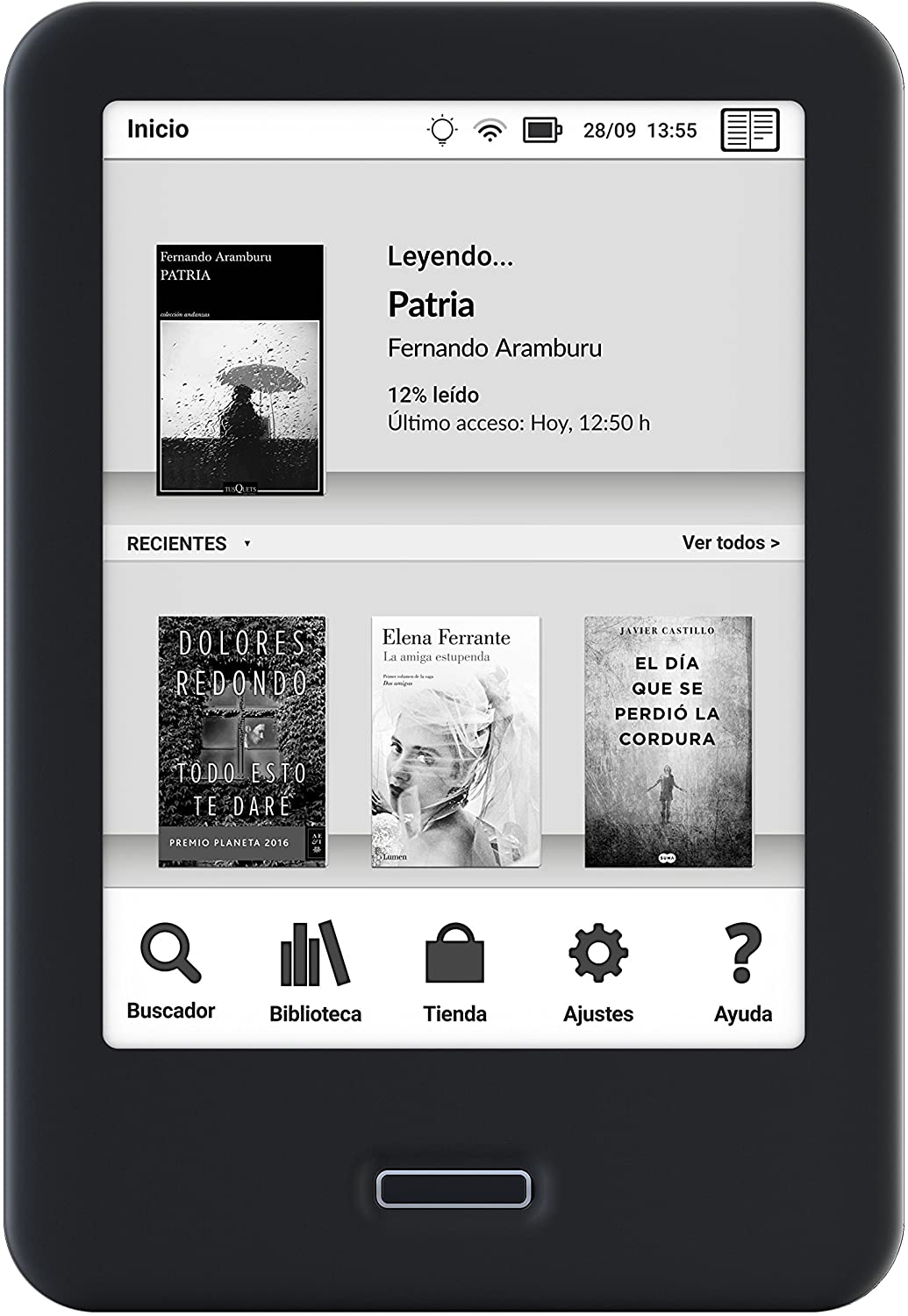
The Spanish brand bq became a benchmark in national technology with a multitude of electronic devices, including well-known eReader models like the Cervantes. They forged major international alliances and invested heavily in innovation by rebranding Chinese devices. However, the company eventually disappeared.
It was acquired by VinGroup and eventually shut down. Therefore, if you're looking for a bq eReader, it's best to consider alternatives.
Sony
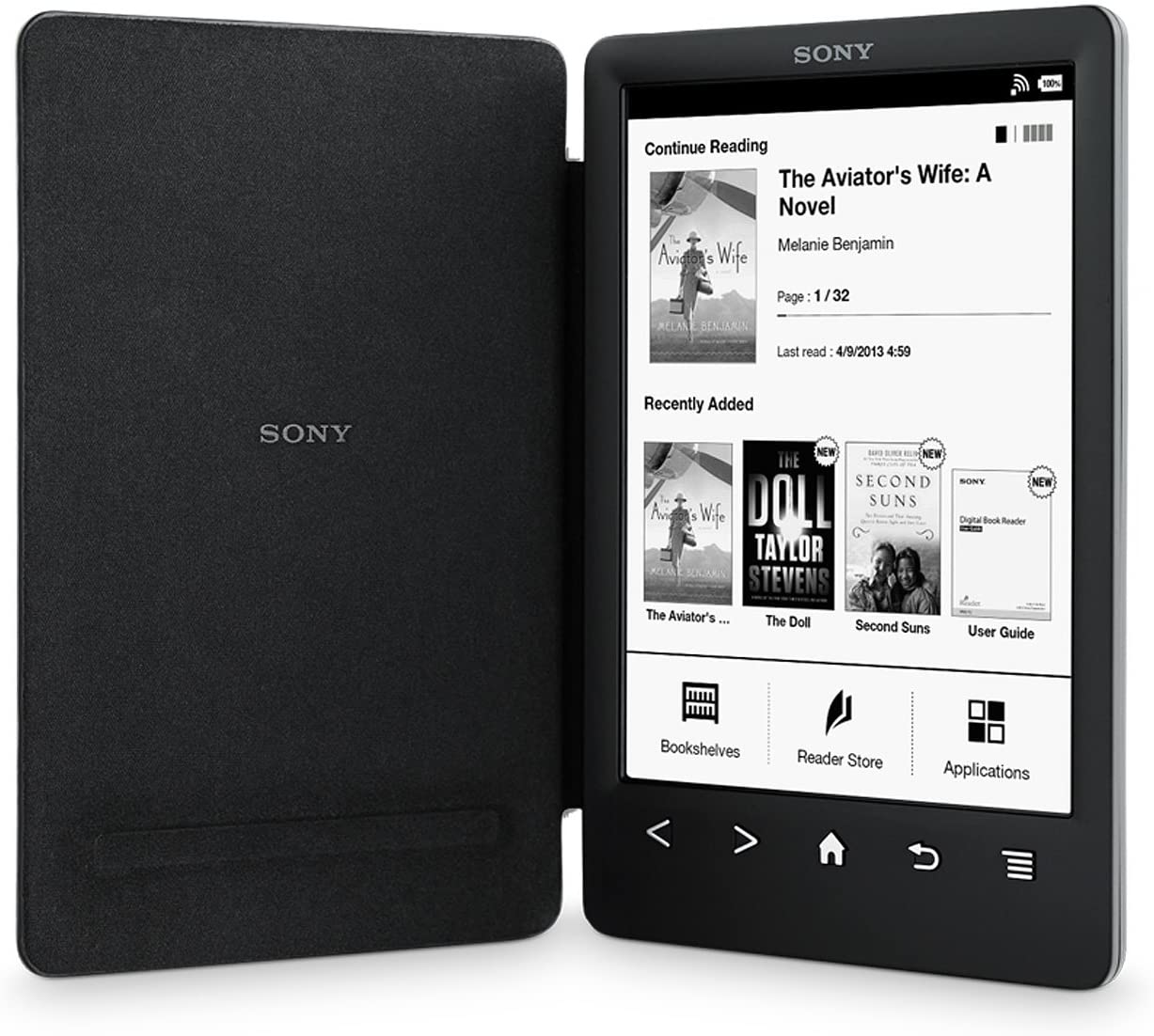
Sony is another brand that ventured into the eReader market. The Japanese company developed several e-book reader models with its Sony PRS and PRS-T series . And, although they still maintain official support, these models are no longer in production, though you can still find some in stock on the market.
The Japanese firm also closed its e-book store, so I don't recommend buying models from this brand even if you find them available on sites like Amazon, as you will have serious limitations.
How to choose the best quality-price eBook
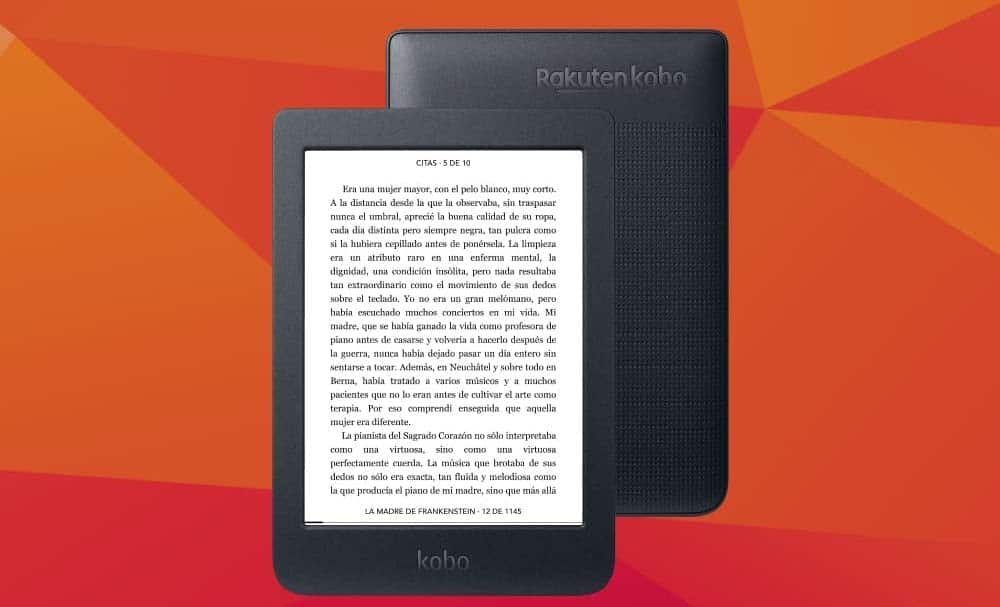
To choose a good eReader that offers good value for money , you should keep the following points in mind:
Screen (type, size, resolution, color…)
The eReader screen is the most important factor when choosing your perfect device. You should consider several aspects of this:
Type of screen
You can find lower-end models that use an LED LCD screen and other models that employ the popular e-Ink technology . As you know, the LCD screen experience is similar to reading on a tablet, so it won't offer the significant advantages of e-Ink. E-Ink, on the other hand, not only reduces eye strain but also provides a reading experience similar to reading on real paper, without glare or discomfort. Furthermore, these e-Ink screens also consume less power, resulting in longer battery life.
So, the best choice between the two panels is undoubtedly e-Ink in any case (the only advantage of LCD screens is their higher refresh rate). However, you should differentiate between the different types of e-Ink screens to understand what the product descriptions are referring to:
- vizplex: Introduced in 2007 was the first generation of e-Ink displays.
- Pearl: It was introduced in 2010 by Amazon for its Kindle, and would also be used later by Kobo, Onyx, and Pocketbook.
- Mobius: This e-ink screen has a layer of flexible plastic to better resist impacts. It was used among others by Onyx.
- Triton: There is a first version from 2010 and a second one from 2013. It is a type of color electronic ink screen, with 16 shades of gray and 4096 colors. It was used, for example, in the Pocketbook.
- Paper: There are also two versions, the 2013 Carta and the somewhat more modern Carta HD. When you see e-Ink Carta it means that it has a resolution of 768×1024 px, 6″ in size and a pixel density of 212 ppi. As for the HD version, it goes up to 1080×1440 px resolution and 300 ppi, keeping the 6 inches. This format is very popular, used by the best models of eReaders.
- Kaleido: First appeared in 2019, with a generation of color displays based on grayscale panels to which a color filter layer was added. Later, in 2021, the Plus version would arrive, with an improvement in color and texture, to make them sharper. And in 2022 Kaleido 3 arrived, offering much richer colors, with 30% higher color saturation than the previous generation, 16 levels of grayscale and 4096 colors.
- Gallery 3: It is the most recent to arrive, landing in 2023. It is the latest technology of e-Ink color screens. It improves the black and white change time to 350 ms, and the color in up to 500 ms, although in the best color it achieves 1500 ms. Plus, they come with ComfortGaze front lighting that reduces the amount of blue light reflected off the surface of the screen so you fall asleep better and don't punish your eyes as much. It must be said that Gallery electronic ink is based on ACeP (Advanced Color ePaper) to achieve more complete colors and with a single layer of electrophoretic fluid controlled by voltages compatible with commercial TFT backplanes.
touch vs regular
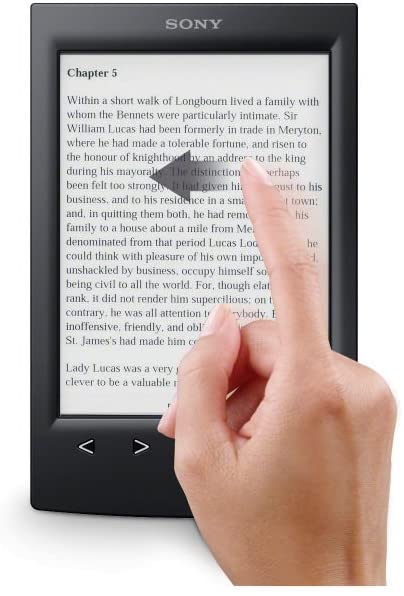
Of course, the earliest models used buttons for interaction. In contrast, more modern ones simply use touchscreens . However, some may also include buttons in addition to the touchscreen for turning pages. In principle, a touchscreen can be more feature-rich than buttons and easier for most users, and in some cases, it also allows the use of styluses for writing or taking notes.
Size
On the other hand, size is also very important, as it will determine factors such as portability and reading comfort. You can find eReaders ranging from 6" to 13". Obviously, an eReader with a smaller 6-8" screen might be the best option for children, due to its lighter weight and portability for travel without taking up too much space.
In contrast, eReaders with large screens also have advantages, such as allowing you to view book pages or comics at a larger size, and even zoom in further for people with vision problems. However, being larger also brings two additional drawbacks: they are bulkier and heavier, and they consume more battery power, which ultimately reduces portability.
Resolution / dpi
The larger the screen, the more important resolution and pixel density become . You should always look for models with the highest possible resolution. And, especially, those that maintain a good pixel density relative to their screen size, as this will greatly affect the quality of the image and text you see on the screen. Generally, I would only recommend eReaders with at least 300 ppi.
Color
Finally, as we mentioned in the screen type section, there are black and white screens , which can be perfect for reading literature or newspapers, etc. However, color screens have also arrived , allowing you to view more content in full color, such as images in the books you read, comic book panels, and so on. Therefore, it's best to choose a color screen if you're not only going to use it for text, as grayscale images lose a lot of detail. Keep in mind, though, that color screens have an added disadvantage: they consume slightly more battery power than black and white screens.
audiobook compatibility
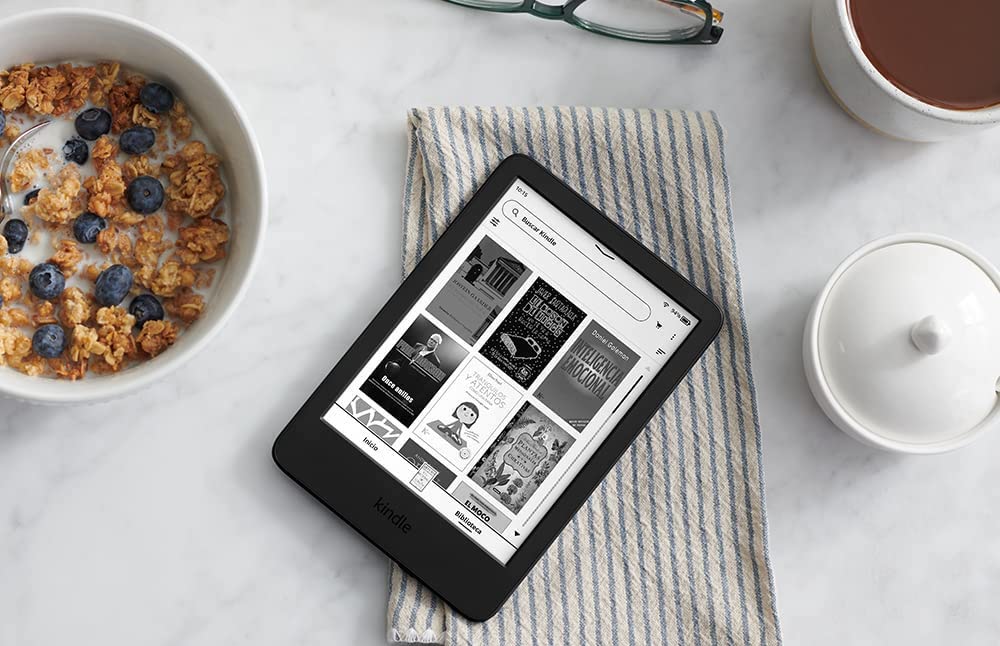
Another very important consideration is whether you'll be using the eReader only for reading or if you also need it for listening to audiobooks . Many current eReader models have incorporated this capability, allowing you to enjoy your favorite stories narrated by voices. This way, you won't have to read or focus on the screen or controls, and you can enjoy literature while driving, cooking, or doing any other activity.
Processor and RAM
It's also important to take a look at the hardware, especially the processor and RAM . The smoothness of your eReader will largely depend on these. However, if it's not an Android eReader, you don't need to worry as much about this, since some reading software for these devices is very lightweight and doesn't put too much strain on them. Nevertheless, when it comes to an eReader compatible with apps, it's ideal to opt for a powerful chip with at least a quad-core ARM processor and a considerable amount of RAM, such as 2 GB. This way, you won't experience any issues with the smoothness of menus, opening apps, and so on.
Operating System
As I mentioned in the previous section, some eReaders have proprietary software or lightweight systems that simply fulfill the basic functions that such a device should have. This can somewhat limit the eReader's usability, but you gain in smoothness. On the other hand, you also have access to Android eReaders, which have a complete operating system that allows you to enjoy other apps, from instant messaging to cloud service clients, players of different formats, and so on. This can be a positive, but it's also true that if it doesn't have powerful hardware, it could also cause the smoothness issues we've been discussing.
Storage
Although it's not listed as part of the hardware, you should also consider the internal storage of your eReader. Some have anywhere from 8 GB to 32 GB , and even more in some cases. This will allow you to store between 6000 and 24000 book titles, giving you a large library in your pocket.
On the other hand, it's important to know that if it has limited internal storage and you accumulate a huge amount of content, or if you're going to use it for audiobooks (which take up more memory space), you should also consider whether it supports expanding that internal memory with microSD memory cards.
Connectivity (WiFi, Bluetooth)
Current eReader models often feature two types of wireless connectivity :
- WiFi: They allow your eReader to be connected to the Internet in order to have more functionalities and directly download your books from online book stores. In this way you save having to depend on cables to pass the books you want to read.
- Bluetooth: It is very practical when listening to audiobooks, since you can connect your headphones or wireless speakers with your eReader to listen to these stories while you do other things, and without having to be "tethered" to your eReader by means of a cable with a Jack connector . BT usually has a coverage of about 10 meters, so it allows you great freedom of movement without losing the connection.
It should be noted that some models have LTE connectivity , meaning you can add a SIM card with a data plan and enjoy internet access wherever you are thanks to 4G or 5G.
Autonomy
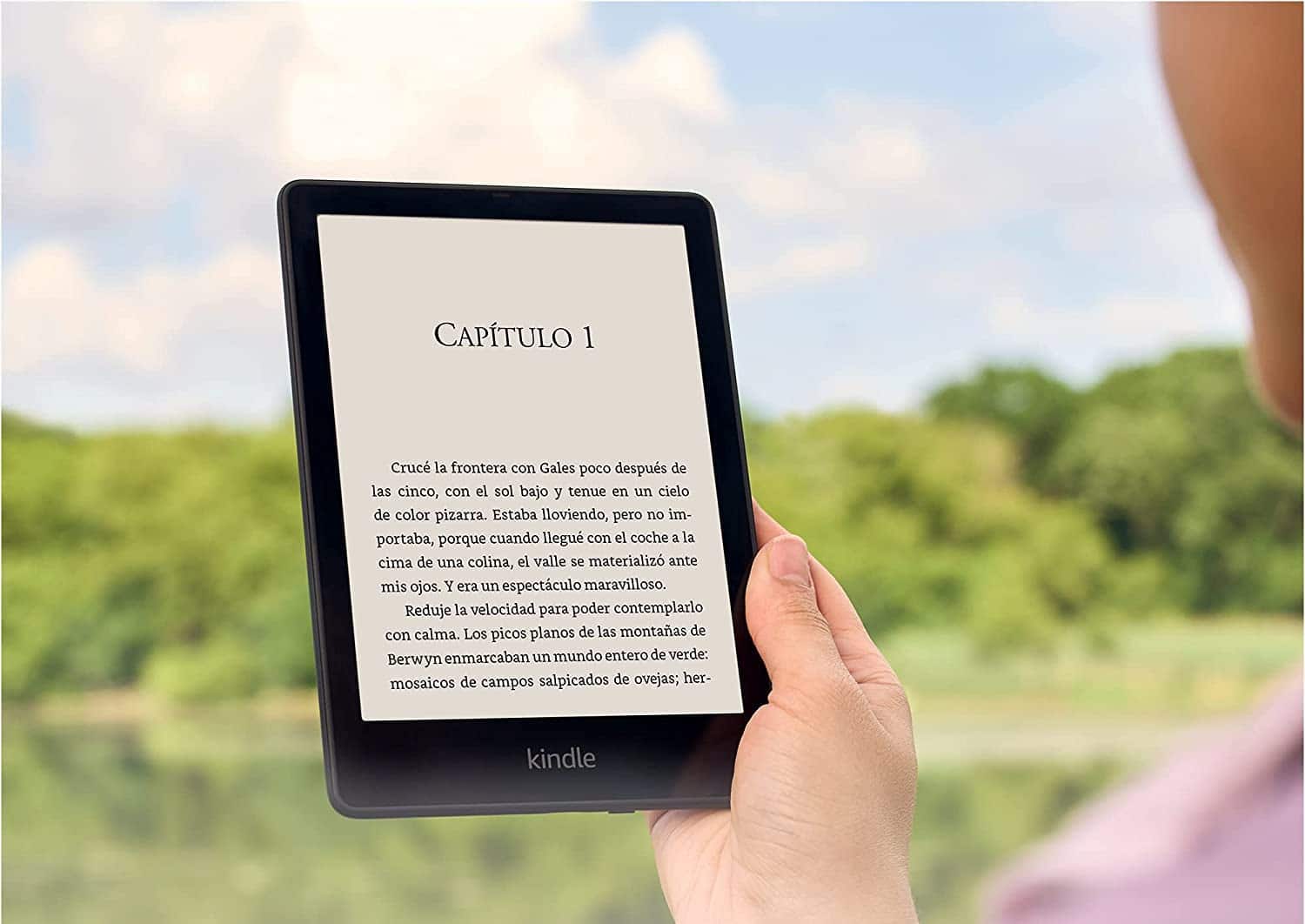
eReaders, like other mobile devices, use Li-Ion batteries. These batteries can have very different capacities, depending on the model. Capacity is measured in mAh , or milliampere-hours. The higher the value, the longer the battery life will be on a single charge. Also, keep in mind that if you combine a high-capacity battery with efficient e-Ink displays, you could go weeks or even months without charging your eReader.
I also wouldn't want to forget the charging method for these batteries. In many cases, they come with a USB-C connector , but not all models support fast charging. If they do support fast charging, the battery will reach 100% much faster, so you won't lose any reading time if the battery runs out.
Finish, weight and size
Finally, design is important not only aesthetically, but also ergonomically , to facilitate reading and ensure a comfortable grip on your eReader. You should also consider the device's weight and size; it should be as compact and lightweight as possible so you can easily carry it around and hold it for hours without fatigue.
And of course, also consider the finishes and materials , which should be of high quality.
User interface
Most modern eReaders use touchscreens and/or easy-to-use buttons. Therefore, using these devices shouldn't pose a major problem, even for seniors or children who aren't very tech-savvy. However, be aware that in some cases, they can become more complex and hinder usability.
Also keep in mind that touchscreens are very convenient, but having physical page-turn buttons can be a huge advantage. This allows you to turn pages with just one hand if your other hand is occupied.
Library
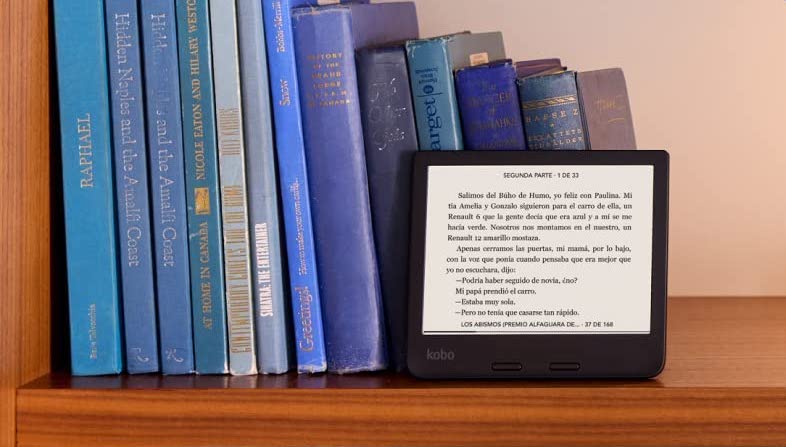
On the other hand, while some eReaders are designed to load books from various sources , others only allow you to download books from a single library. You need to consider whether that library is sufficient to meet your reading needs. For example, Kobo has the Kobo Store, which boasts thousands upon thousands of titles, so you can find books in all categories, literary genres, and for all ages. Kindle, meanwhile, has Amazon's Kindle Store, which is probably the richest in terms of the number of books, potentially giving it an advantage over its rivals. So, keep this in mind.
With audiobooks, you also need to consider finding an eReader compatible with the best source of titles. For example, both Kobo and Kindle have a significant amount of this type of content in stores like Audible.
writing capacity
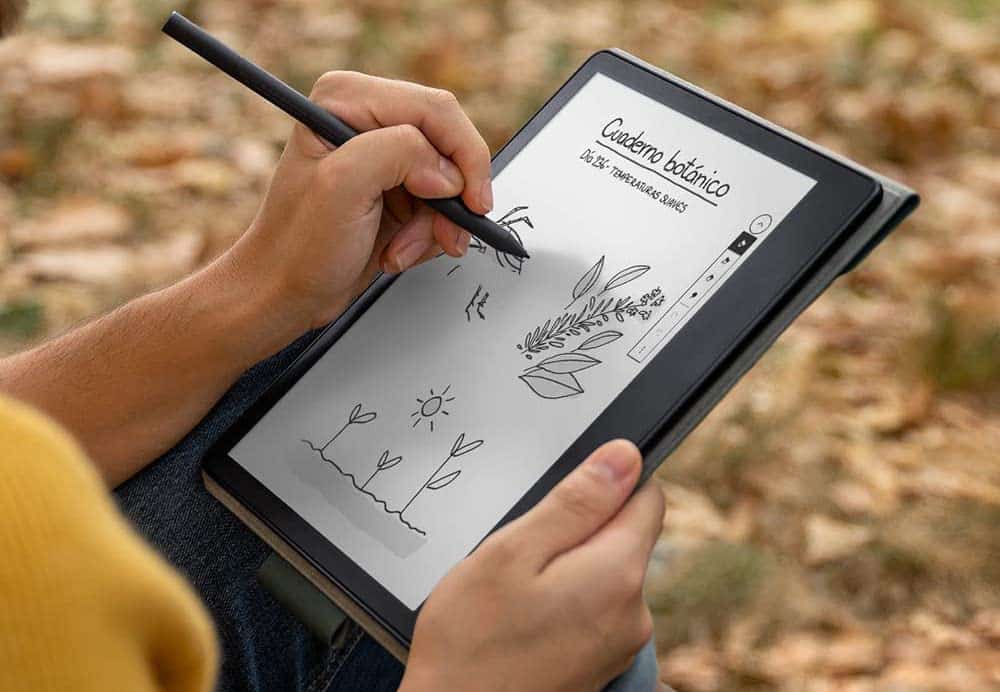
As you know, some eReader models with touchscreens also allow the use of electronic pens like the Kobo Stylus or the Kindle Scribe, with which you can not only enjoy your favorite books, but also write or add notes on the pages, making them even more like a paper book.
Automotive Lighting
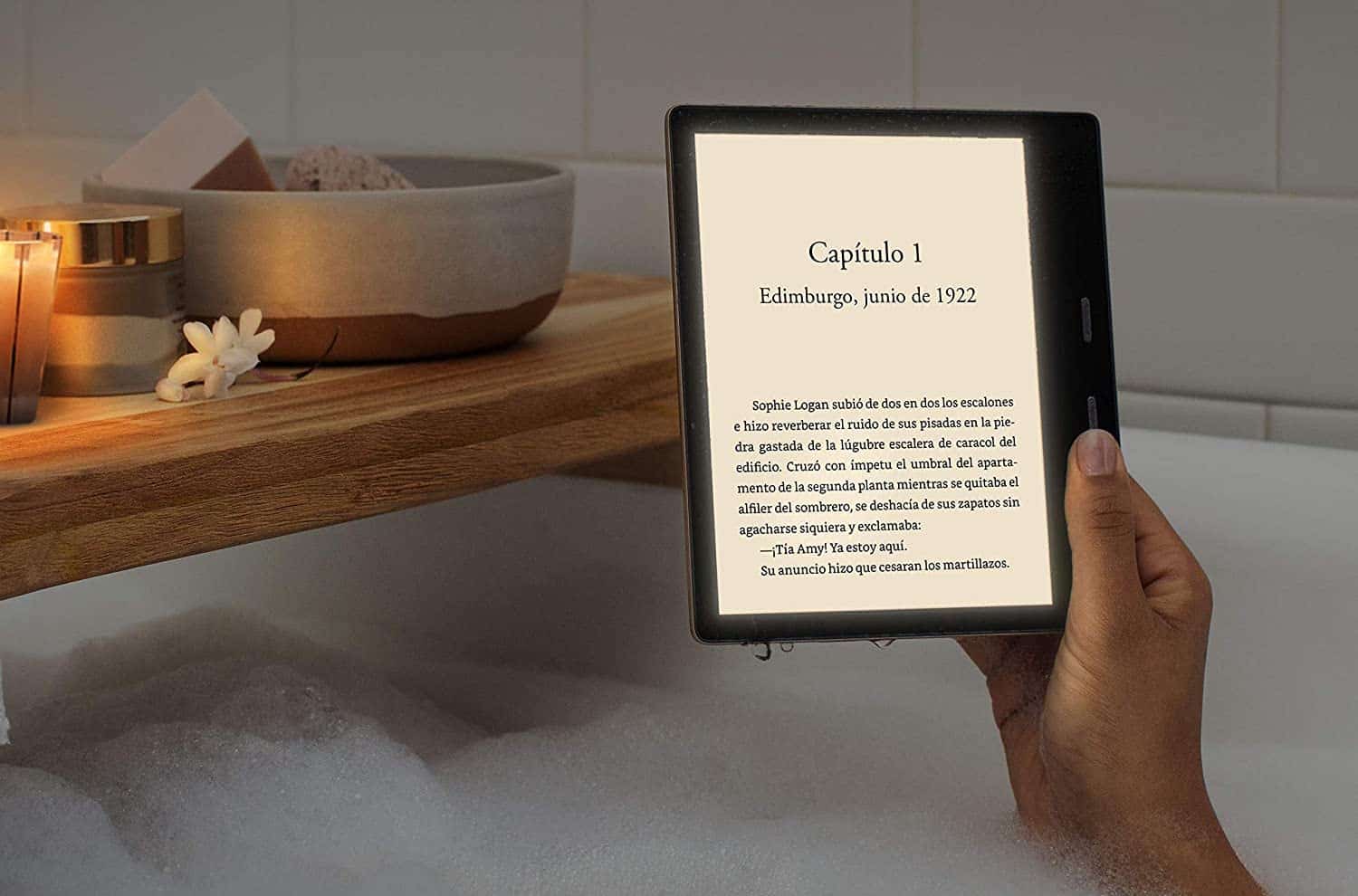
eReaders not only have their own screen backlighting, which can be adjusted in many cases, but they also have additional light sources , such as front LEDs, which allow you to choose the screen's brightness level so you can read comfortably in any lighting scenario, from the darkness of indoors to brightly lit spaces like outdoors.
Waterproof
Some eReaders also come with IPX8 certification, a rating that protects them against water . In other words, these are waterproof models that you can use while relaxing in the bath or enjoying the pool.
When we talk about IPX8 protection, we're not just referring to protection against splashes, but also complete immersion . This means you can submerge your eReader underwater without any water leaking in and causing damage to the device. They are completely waterproof.
Price
Last but not least, consider your budget for your eReader. This will help you narrow down your search to models within your price range, making your choice much easier. As you know, there's a wide range of prices, from the most affordable, starting at just under €100, to the most expensive, reaching €300 or more. So you're sure to find a model that fits your budget.
Tablet vs eReader, which is better for me?
To find out who wins in the Tablet vs eReader battle, you first need to know the advantages and disadvantages of each , and then evaluate which one best suits your needs:
eReader: advantages and disadvantages

Among the advantages we have:
-
- Light weight and compact size: eReaders tend to be more compact in weight and size than most tablets, making them easier to take with you wherever you go.
- Greater autonomy: they can reach weeks without charging.
- e-ink screen: for less eye fatigue, and experience similar to reading on paper.
- Waterproof: many are waterproof, so you can enjoy them in your bathtub, beach or pool.
- Price: They are usually cheaper than a tablet.
On the other hand, it also has disadvantages compared to the tablet:
- Limited features: while tablets support a large number of apps of all kinds, in the case of eReaders it is more limited, so they usually do not allow you to communicate, play multimedia, play games, etc.
- black and white screen: In some cases the screen has no color.
Tablet: advantages and disadvantages

Regarding the advantages of tablets over eReaders:
- Rich functions: They are really a laptop, so you can do everything from playing video games, writing documents, playing music and video, browsing the Internet, managing your email, communicating, etc., as well as using ebook apps such as Amazon Kindle, among others, to read ebooks or listen to audiobooks with Audible or similar.
On the other hand, the disadvantages stand out:
- Price: They tend to be more expensive than eReaders.
- Autonomy: its autonomy is more limited, lasting in many cases only 24 hours or less.
- Screen: Not being e-Ink, these tablets don't have as paper-like an experience and cause more eye strain.
In short, if you read a lot, it is best to have an eReader. If you read little, it's better to have only one tablet for everything.
Advantages and disadvantages compared to traditional books
If you're unsure whether to buy a printed book or an eBook , this table can also help you choose:
| Criteria | E-books | printed books |
| Portability | It does not weigh or take up space, just the eReader. | It weighs and occupies a volume. |
| Storage | It doesn't need space in your home. | You need furniture or shelves. |
| Features | Allows adjustments of font, background, etc. | It cannot be modified. |
| Ribs | Less expensive being digital. | More expensive when printed on paper. |
| Connectivity | Required if you don't download it. | Not required. |
| Wealth | You can have links, images, etc. | Just text and image. |
| Visual fatigue | More stress, especially if it's not e-Ink. | less tension |
| Initial cost | More expensive. | Less expensive. |
| Energy | Required for eReader operation | No power source is necessary. |
| Available | Easily available at any time | Not so easily available at any time |
Where to buy ebooks with the best value for money
Finally, it's also worth highlighting the stores where you can find the best eReaders with the best value for money :
Amazon
The American online sales platform is one of the best places to find the vast majority of eReader brands and models at a good price. In addition, you have the confidence of returning or solving problems on this platform, secure payments, and all the guarantees.
Media Markt
Mediamarkt is a chain of sale of technological products of German origin that also has a multitude of points of sale in Spain where you can go to buy your eReader at a good price, although you also have the option of buying online to have it sent to your home through its official website.
El Corte Inglés
The Spanish El Corte Inglés also has that duality of having both the possibility of going to any of the points of sale to buy the eReader in the technology section or buying the product through the official website so you don't have to travel.
Carrefour
Of course, as an alternative to ECI, you also have the French chain Carrefour. Again we have to choose between going to any of the shopping centers that you will find in many cities, or using its online store to purchase your future electronic book reader.
Table of Contents
- 1 What are the eReaders with the best value for money?
- 2 eReader brands to watch out for
- 3 How to choose the best quality-price eBook
- 4 Tablet vs eReader, which is better for me?
- 5 Advantages and disadvantages compared to traditional books
- 6 Where to buy ebooks with the best value for money